February 10, 20245 min read
How to visualize Heroku Postgres data with Chartbrew
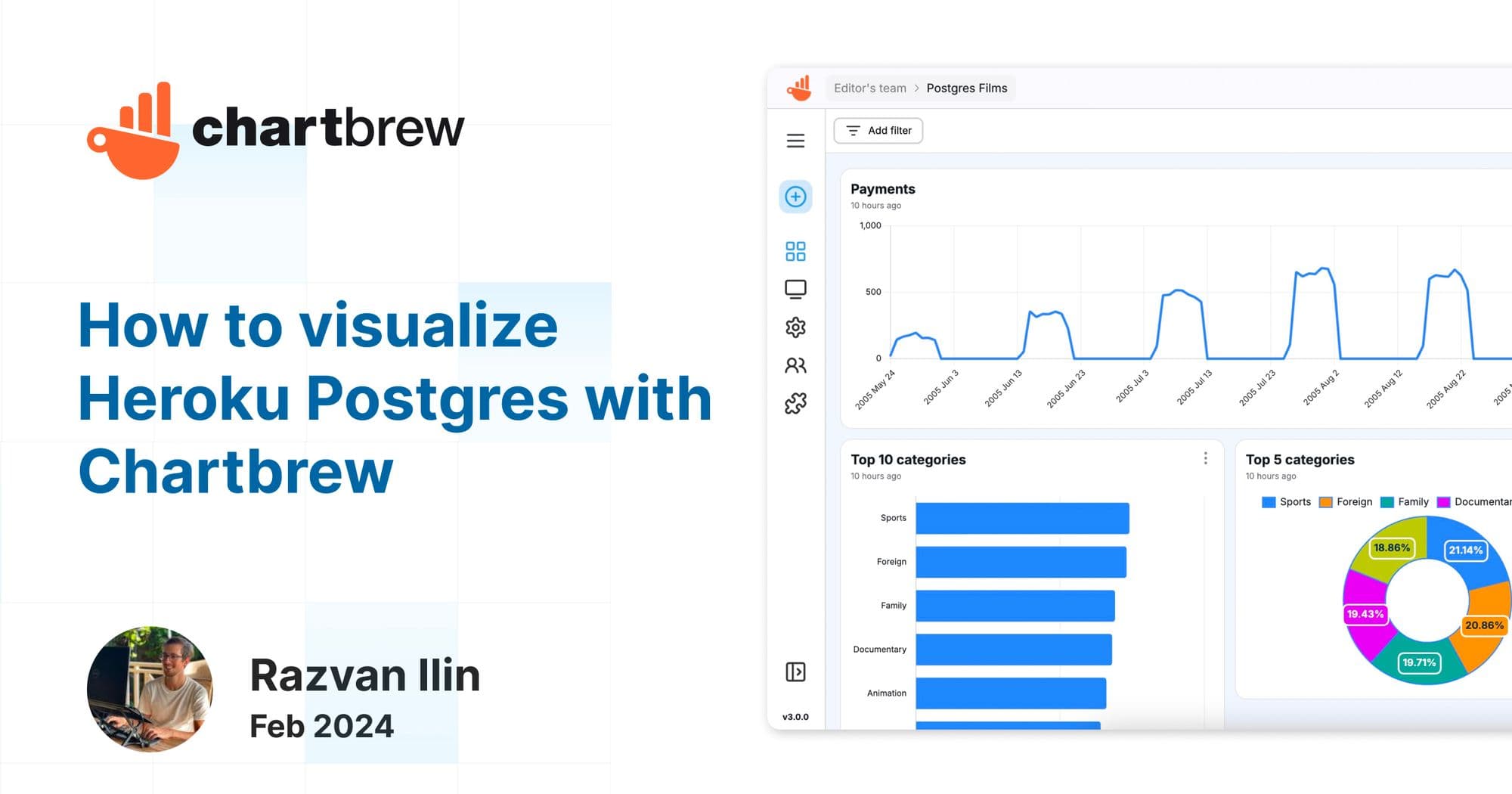
In this tutorial, we are going to connect Heroku Postgres to Chartbrew, fetch some data, and create charts to visualize our data.
integrationtutorial
Tutorials, product updates, and reporting guides for connecting your data to Chartbrew and building clear client-facing dashboards.
Page 2 of 5
In this tutorial, we are going to connect Heroku Postgres to Chartbrew, fetch some data, and create charts to visualize our data.
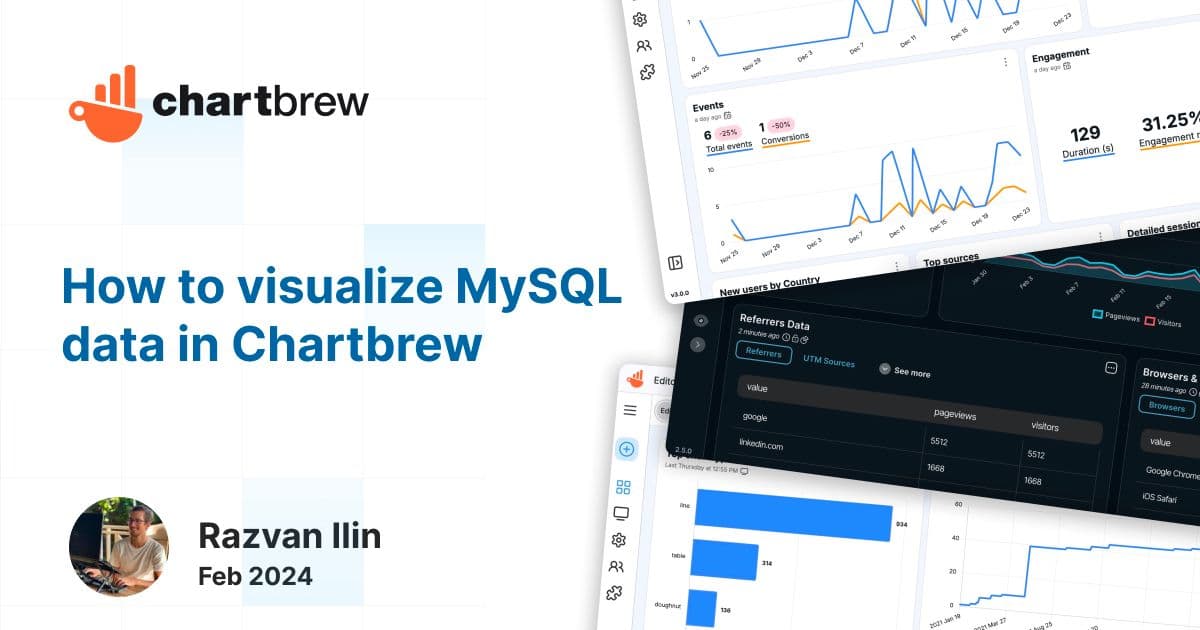
In this short tutorial, we will show how you can connect any MySQL database to Chartbrew. Once we connect the database, we are going to write a few simple queries to fetch some data and create datasets to be visualized in multiple ways.
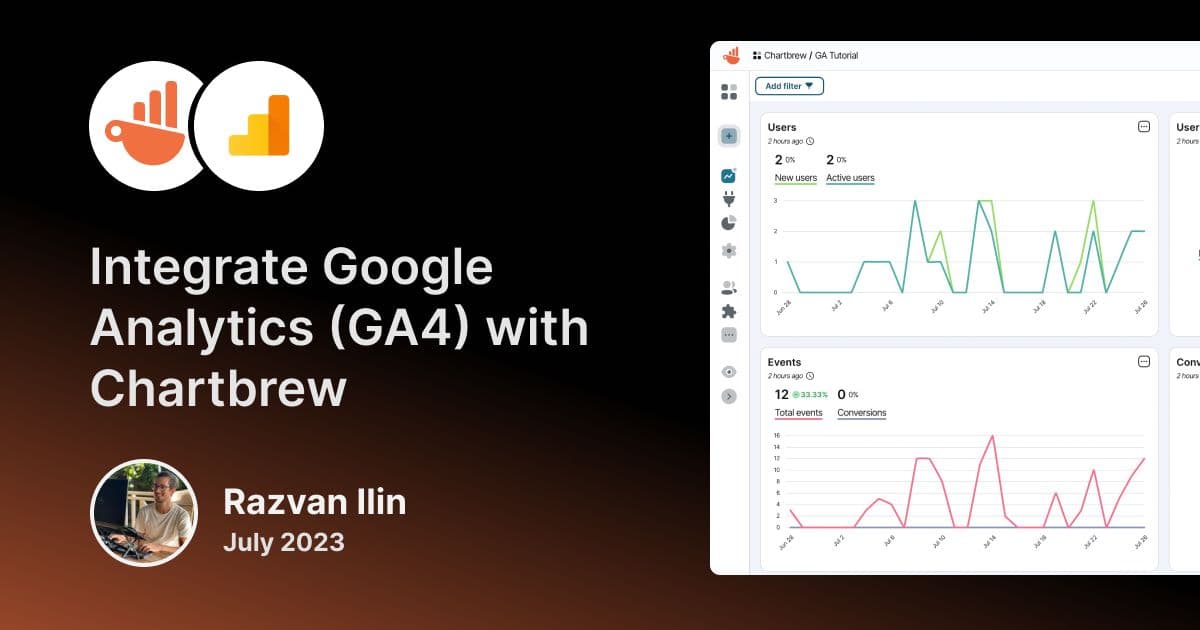
Integrate Google Analytics (GA4) with your Chartbrew dashboards and use our advanced query builder and chart editor to get the most out of your data.
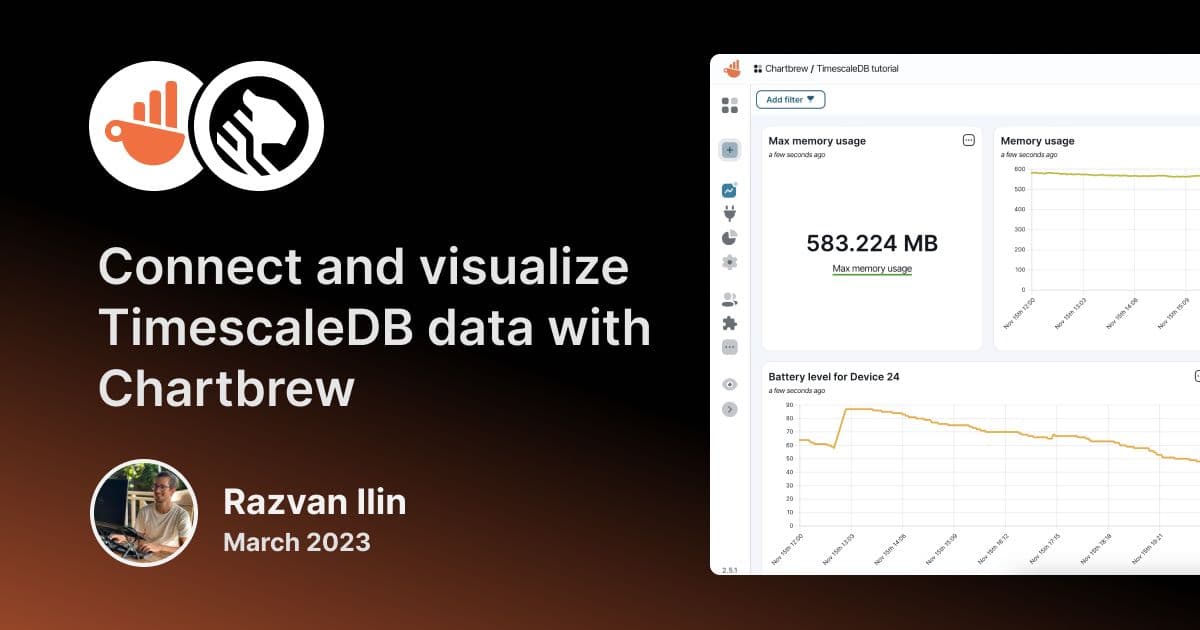
Learn how to connect Timescale databases to Chartbrew and create powerful visualization dashboards and reports to monitor and share with others.
You can use Render to deploy your Chartbrew application for free. This tutorial will show you all the steps to get your visualization stack up and running.
Getting Firestore data in the right format can be a tedious task. This blog post will show you how to fetch, filter, and flatten your data
Learn how to create charts and visualize your PrestaShop data to make better business decisions.
Chartbrew API Keys are useful when fetching or creating Chartbrew content from another application. Find out how to create them in this tutorial.
Ready to start
Connect your data, build live dashboards, and give your team one place to check the numbers that matter.
