How to use variables in Chartbrew
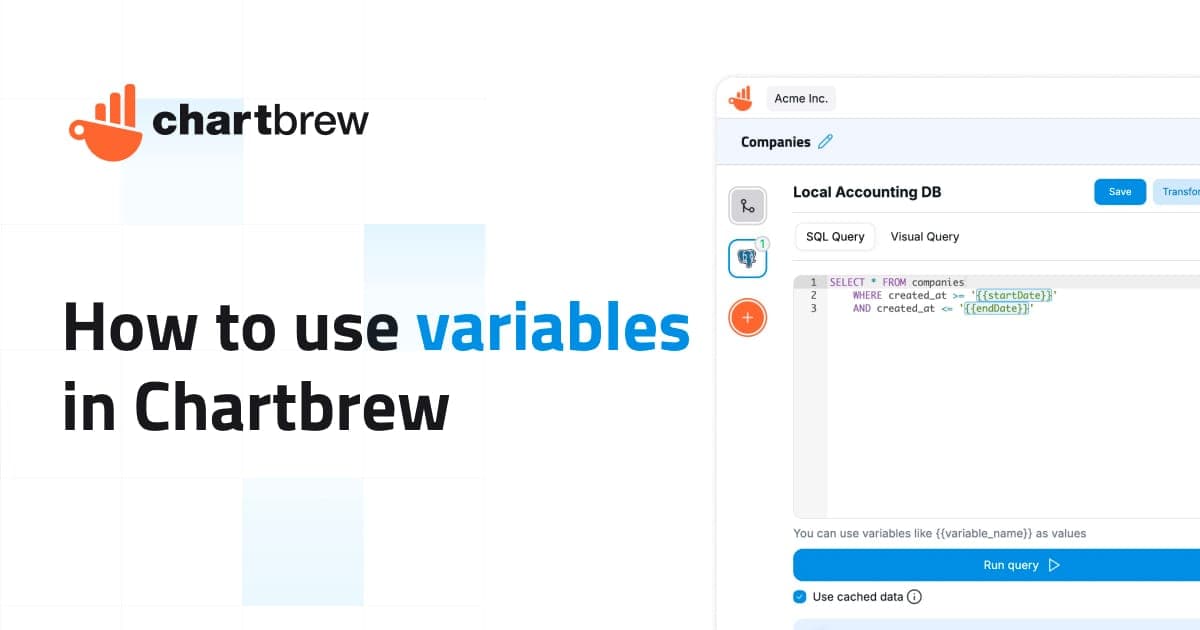
Variables in Chartbrew let you create adaptable charts, filters, embeds, and reports by replacing fixed values with dynamic placeholders.
Learn how to connect PostgreSQL, MySQL, MongoDB, Supabase, Firestore, Stripe, GA4, and custom APIs to Chartbrew. This blog focuses on practical tutorials, dashboard walkthroughs, reporting guides, product updates, and data visualization tips for teams that need clear client-facing analytics.
Search The Archive
Search tutorials by integration, database, feature, report type, or workflow. Filter by tags to narrow the archive to tutorials, updates, or deeper product stories.
Page 1 of 5

Variables in Chartbrew let you create adaptable charts, filters, embeds, and reports by replacing fixed values with dynamic placeholders.

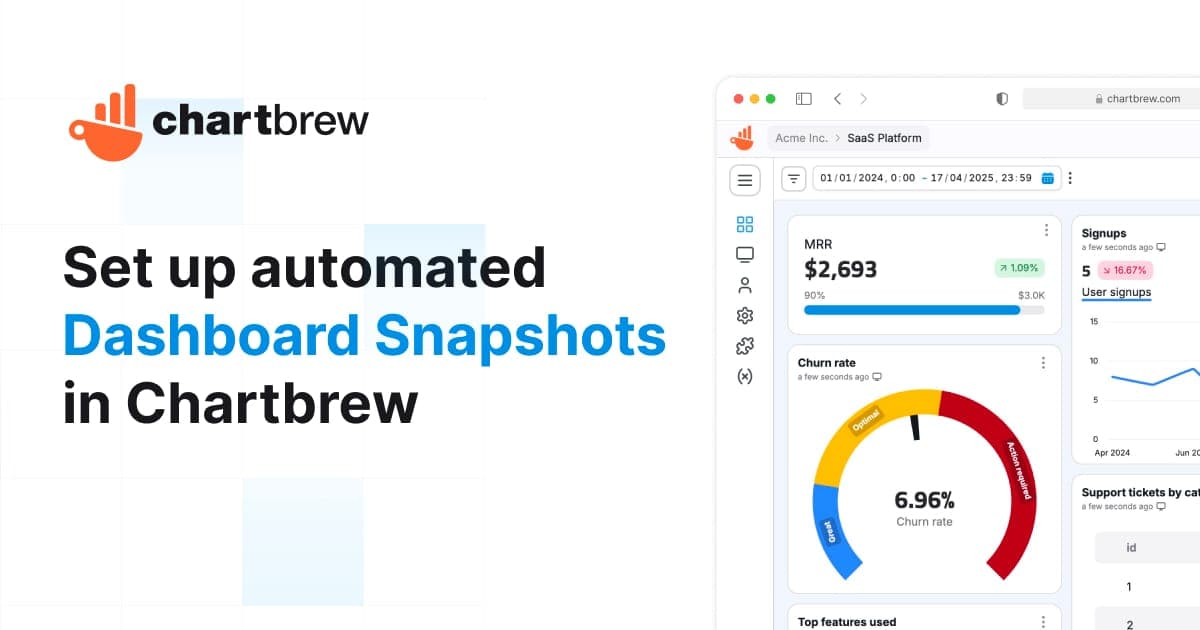
Learn how to schedule automated Chartbrew dashboard snapshots, customize theme and size, and deliver images to email, Slack, or any webhook in minutes.

Chartbrew v4 uses the FSL license. Learn what’s allowed, what’s changed, and how it helps keep the project sustainable while staying open for most users.

Chartbrew v4 is here with scheduled snapshots, smarter dashboard filters, a refreshed design, and major performance upgrades for client reporting.

Learn how to connect ClickHouse to Chartbrew, write SQL queries, and build dynamic charts. This guide walks you through setting up a data source, creating datasets, and automating updates for real-time insights.

Learn how to visualize Baserow data in Chartbrew with this step-by-step guide. From setting up an API connection to configuring datasets, handling pagination, and creating interactive charts, this tutorial will help you build a Baserow dashboard effortlessly.

In this tutorial, we'll guide you through the steps to connect your Amazon RDS databases, specifically Postgres and MySQL, with Chartbrew

This tutorial shows you how to connect, query, and visualize your Supabase database with Chartbrew. Create Supabase client reports with ease.
Empower your team and clients with dynamic, branded reporting dashboards
Already have an account? Log in