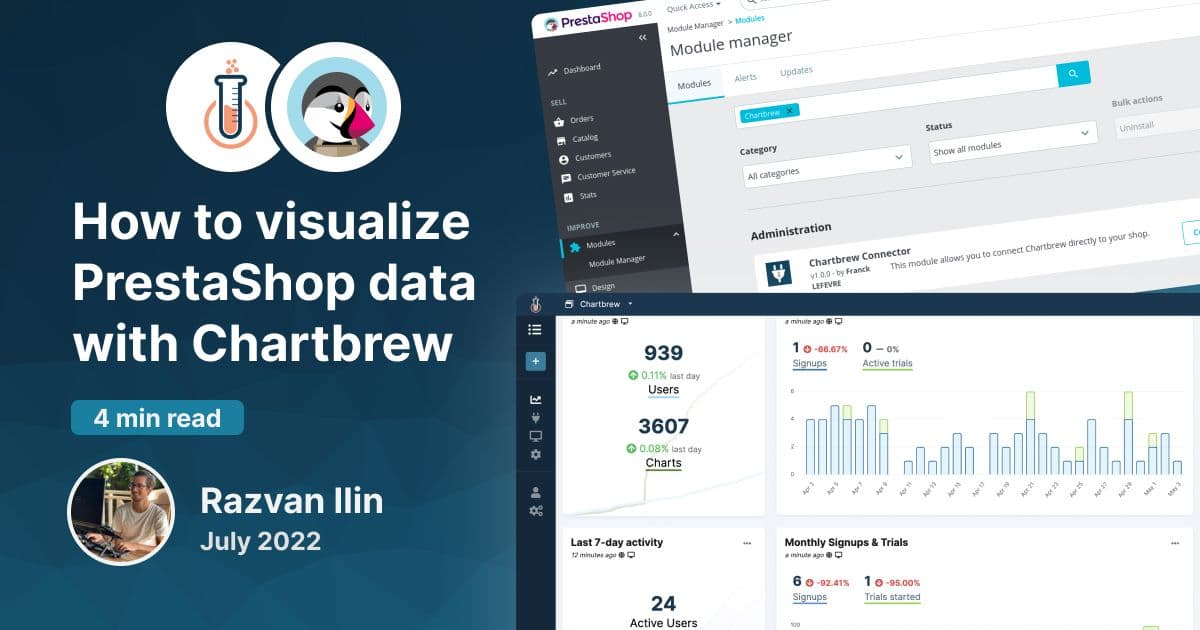
How to visualize PrestaShop data with Chartbrew
Learn how to create charts and visualize your PrestaShop data to make better business decisions.
Learn how to connect PostgreSQL, MySQL, MongoDB, Supabase, Firestore, Stripe, GA4, and custom APIs to Chartbrew. This blog focuses on practical tutorials, dashboard walkthroughs, reporting guides, product updates, and data visualization tips for teams that need clear client-facing analytics.
Search The Archive
Search tutorials by integration, database, feature, report type, or workflow. Filter by tags to narrow the archive to tutorials, updates, or deeper product stories.
Page 3 of 5

Learn how to create charts and visualize your PrestaShop data to make better business decisions.

Chartbrew API Keys are useful when fetching or creating Chartbrew content from another application. Find out how to create them in this tutorial.

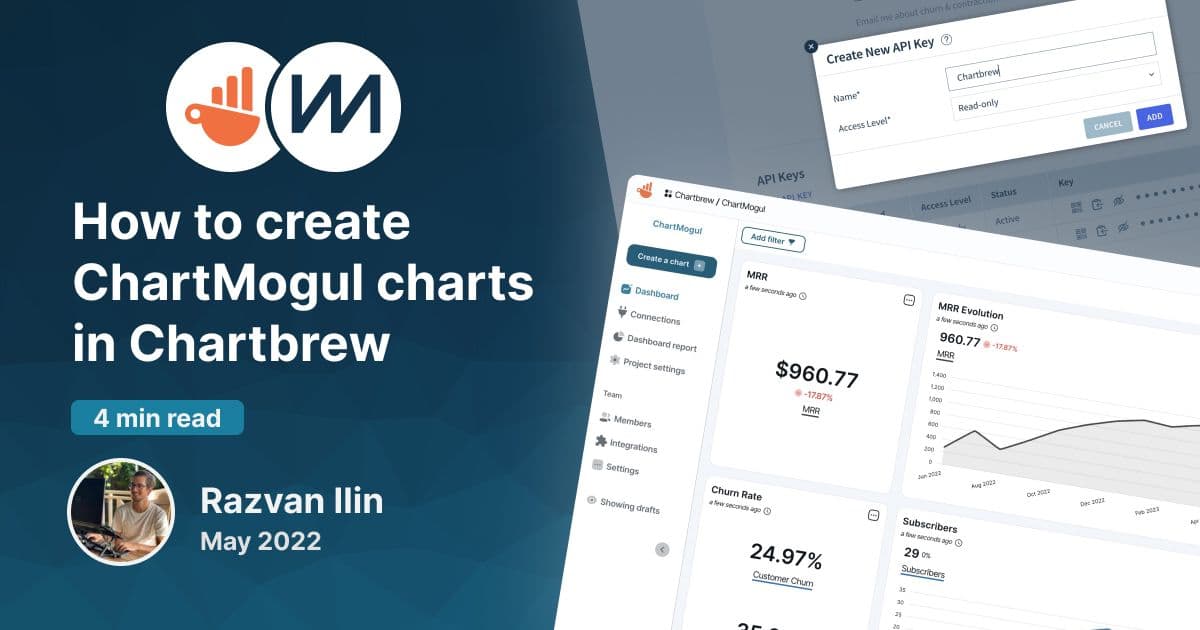
Chartbrew offers a ChartMogul dashboard template that can be used to create charts almost instantly. This tutorial will show you how to get started.

Strapi is a headless content management system used by many businesses worldwide. Chartbrew can connect to its API to visualize and monitor data

Deploy Chartbrew on Heroku and Vercel and power up your data reporting with a platform where you can gather all your data.

Customer.io is the perfect messaging platform to keep users engaged with your product. Chartbrew can now integrate with Customer.io to get data about customers and visualize it with beautiful charts and live reports.

Connect to Firebase Realtime Database to create reports and visualize your data. This tutorial will show you how to connect and create your first chart.

Learn how Chartbrew works as an alternative to Chartio. In this blog post, you can check all the differences, pros, and cons in transitioning to Chartbrew.
Empower your team and clients with dynamic, branded reporting dashboards
Already have an account? Log in